

Squaff
Trainer
So I am going to be replacing all the pokemon in game(50 at a time) in my gamemode, but the first 9 are already giving me problems. So I have set up Charmander, Squirtle, and Bulbasaur to be the pokemon "Elm" gives to the player character. For this problem, I'll be using Bulbasaur as my example problem.
Here is "1"'s .dat file
![CropperCapture[1].png](https://www.forum.pokemon3d.net/attachments/2912/) I changed this in the gamemode to
I changed this in the gamemode to
![CropperCapture[2].png](https://www.forum.pokemon3d.net/attachments/2913/) With this done, I then changed the Elm Chikorita .dat file to this
With this done, I then changed the Elm Chikorita .dat file to this
![CropperCapture[6].png](https://www.forum.pokemon3d.net/attachments/2921/) I changed the "1" xnb files in the pokemon/overworld/normal&shiny in my gamemode folder to the xnb files I made and converted myself.
I changed the "1" xnb files in the pokemon/overworld/normal&shiny in my gamemode folder to the xnb files I made and converted myself.
I then made an iceboy 'sprite' in the sprite folder to go along with the replaced .dat file.
![CropperCapture[3].png](https://www.forum.pokemon3d.net/attachments/2914/) With this all ready, I set up my gamemode .dat file with the proper directories.
With this all ready, I set up my gamemode .dat file with the proper directories.
![CropperCapture[7].png](https://www.forum.pokemon3d.net/attachments/2922/)
I then went into the game to test all of this.
![CropperCapture[5].png](https://www.forum.pokemon3d.net/attachments/2916/)
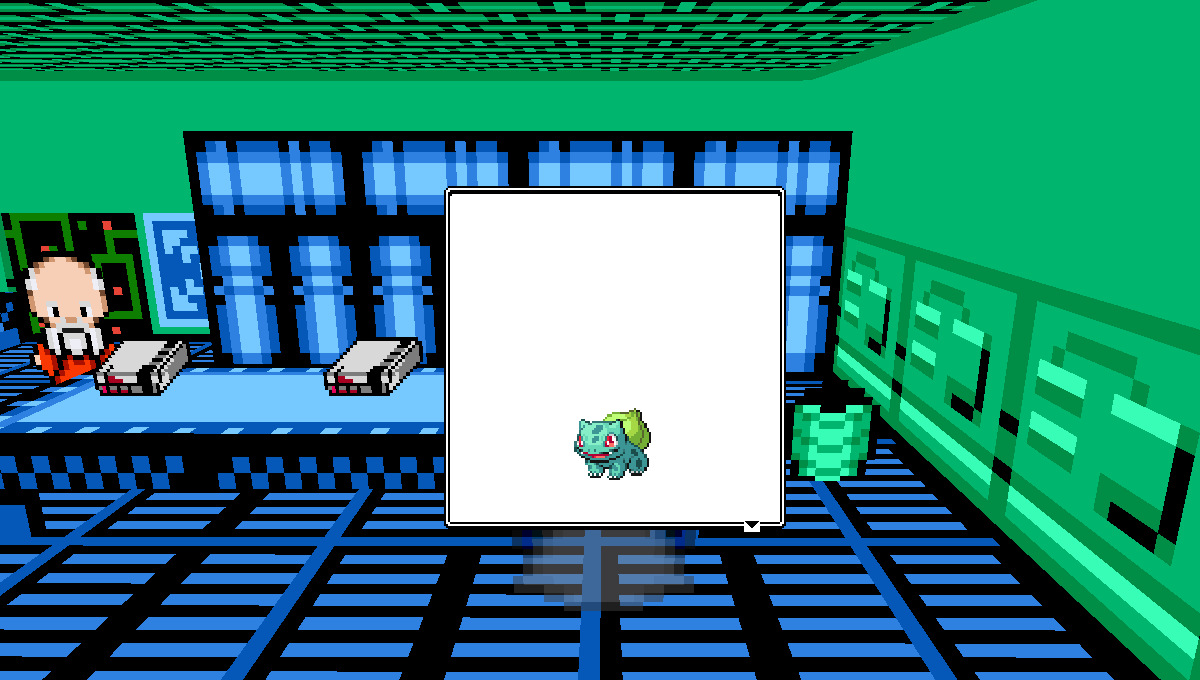
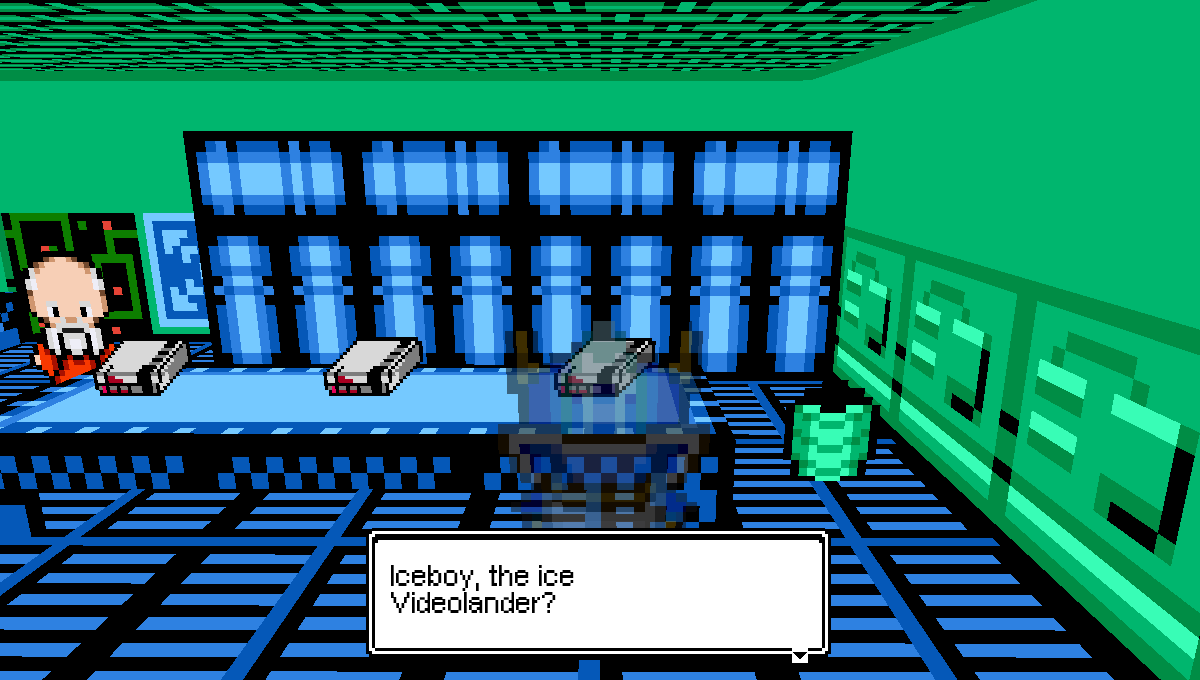

 If you know what I did wrong or didn't do based on the information provided, I would appreciate the help. (Also, apologies to the moderators if this is the wrong forum for this post.)
Here is "1"'s .dat file
I then made an iceboy 'sprite' in the sprite folder to go along with the replaced .dat file.
I then went into the game to test all of this.
